Open shelving
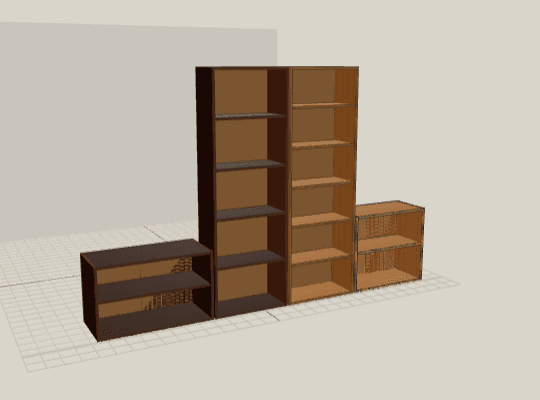
An open carcass for shelves and dividers.
- Starting size
- 900 × 1800 × 350 mm
Local working demo · no sign-up
Explore a layout, change dimensions and materials, then inspect every part. All in one project, without an account.
No account. Your project stays in this browser.
Furniture is the primary tool
Shelf, sideboard or wardrobe. You start from real starting dimensions and finish with a workshop draft — no account, no install.
An open carcass for shelves and dividers.
A low carcass; edit doors and the layout in the studio.
A tall carcass; edit dimensions and the interior in the studio.
Every type leads into the same journey: pick a model, edit it and download dimensioned PDF drawings, a cut list CSV and a DXF per part.
Differentiator
35 editable hive concepts with dimensions, cited sources and listed unknowns. No profile is a dimensionally verified standard. This is a separate catalogue section, not the primary path.
Three genuinely editable starts
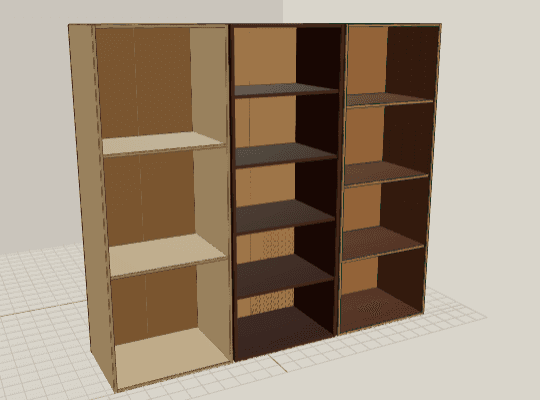
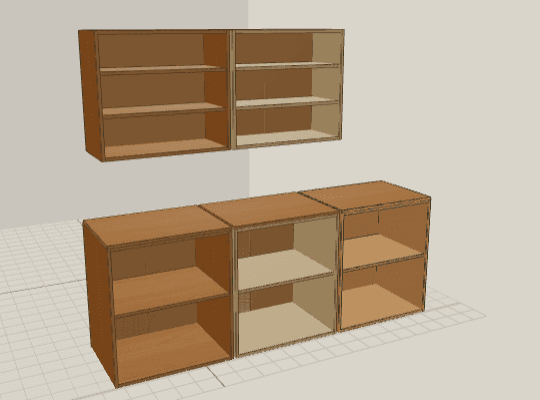
A library, wardrobe or compact kitchen. Choose a starting point and make it fit your space.
From room to draft
Enter confirmed dimensions or review a local Scan as a visual estimate.
Edit assemblies in 2D/3D or with precise numeric controls.
Inspect derived panels, faces, edges, joints, hardware and rules.
Hand-dimensioned examples produce a verifiable draft ZIP; Scan stays presentational.
Your edits, connected drawings
Enter the width, height and depth of your first cabinet. Edit it immediately in 2D and 3D.